Tracking
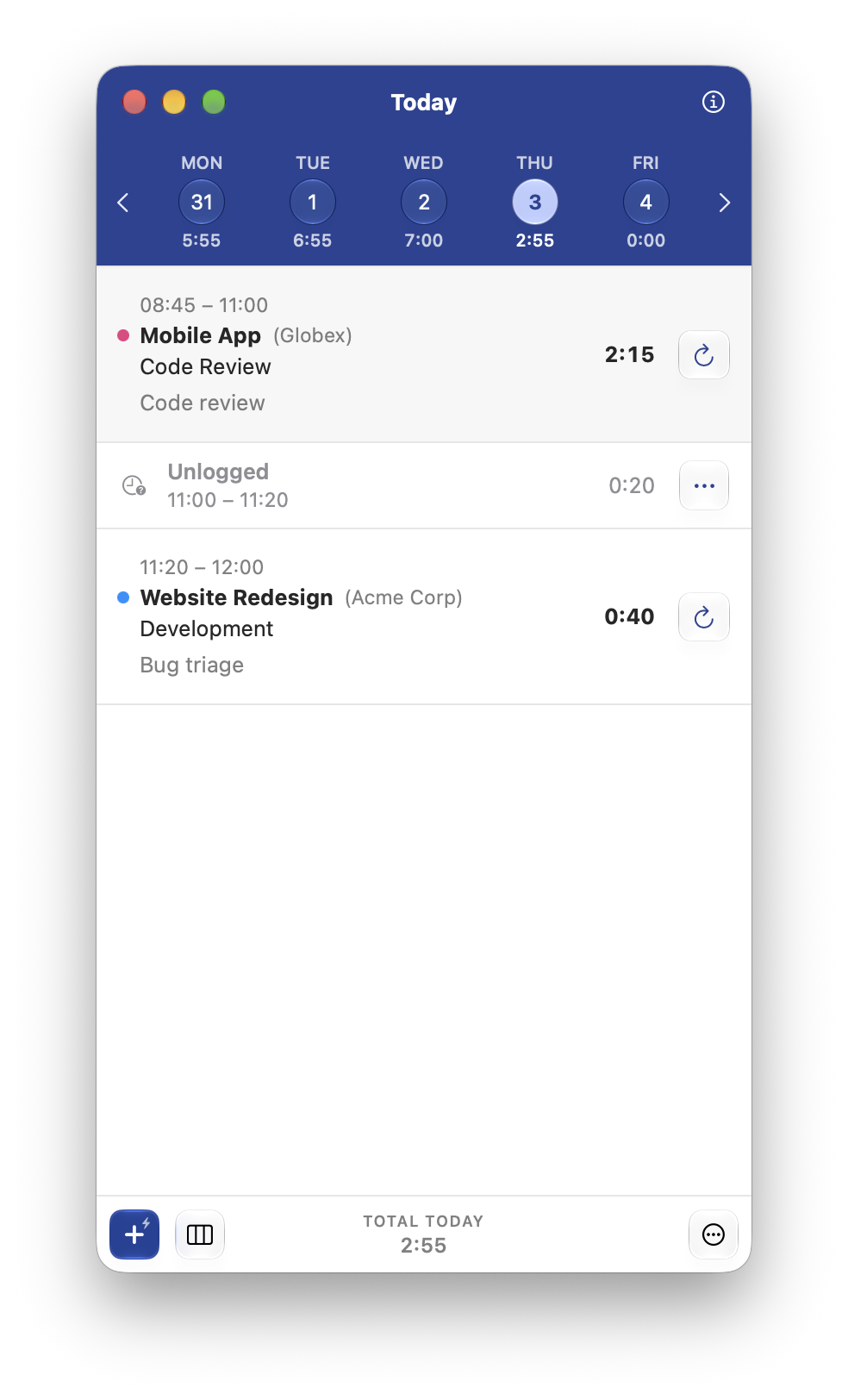
Start a timer and review your work by day, week or month. You can enter times like "15 minutes ago", too.
Time tracking done right.
Yield is a native macOS menu-bar time tracker. It works offline with no account, and has optional sync features.
Offline-first time tracking. Yield works fully offline. Everything is stored on your Mac, backed up on a schedule you set, and optionally syncs with a remote server if you'd like.
Start a timer and review your work by day, week or month. You can enter times like "15 minutes ago", too.
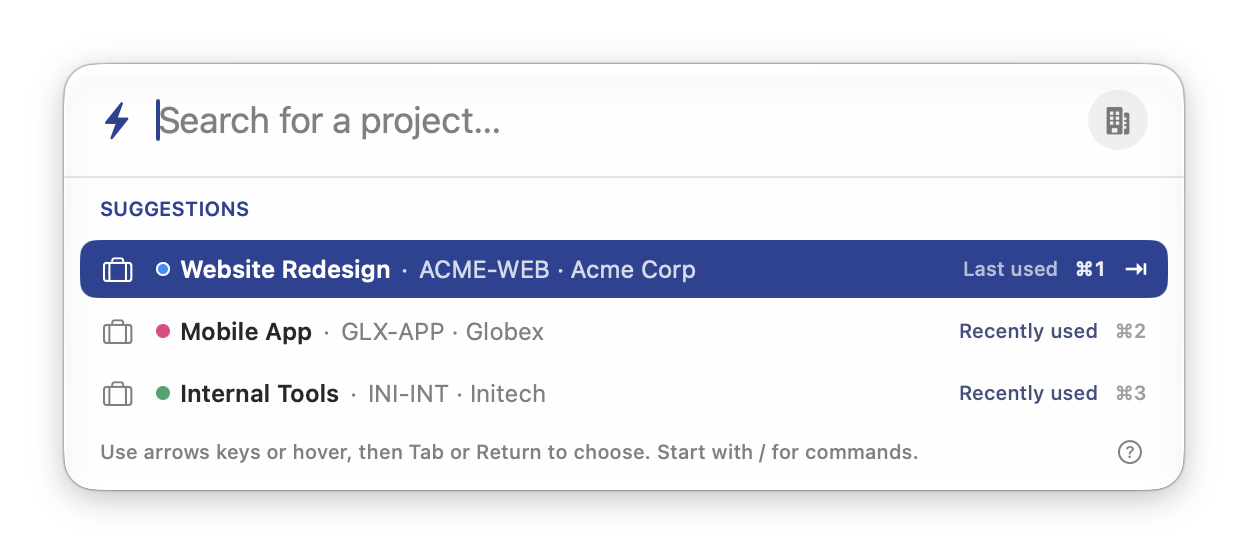
Pick a project and task, then start a timer. You can do it all from your keyboard.
Yield points out unlogged gaps between entries, so you can fill them in or log a break.
A daily target or a weekly average, spread over as many days as you actually work.
If you step away with a timer running, Yield can ask what to do with that time when you return.
See how your week is going, with daily totals, a timeline and a breakdown of time spent on each project.
If you use Harvest, you can sync time entries. Projects and tasks come from Harvest and stay read-only.
Each profile has its own data and settings, so you can keep work and personal tracking separate.